How to (Actually) Change Your Location on Google in 2026

By: Ryan Meighan
Published: September 2, 2026
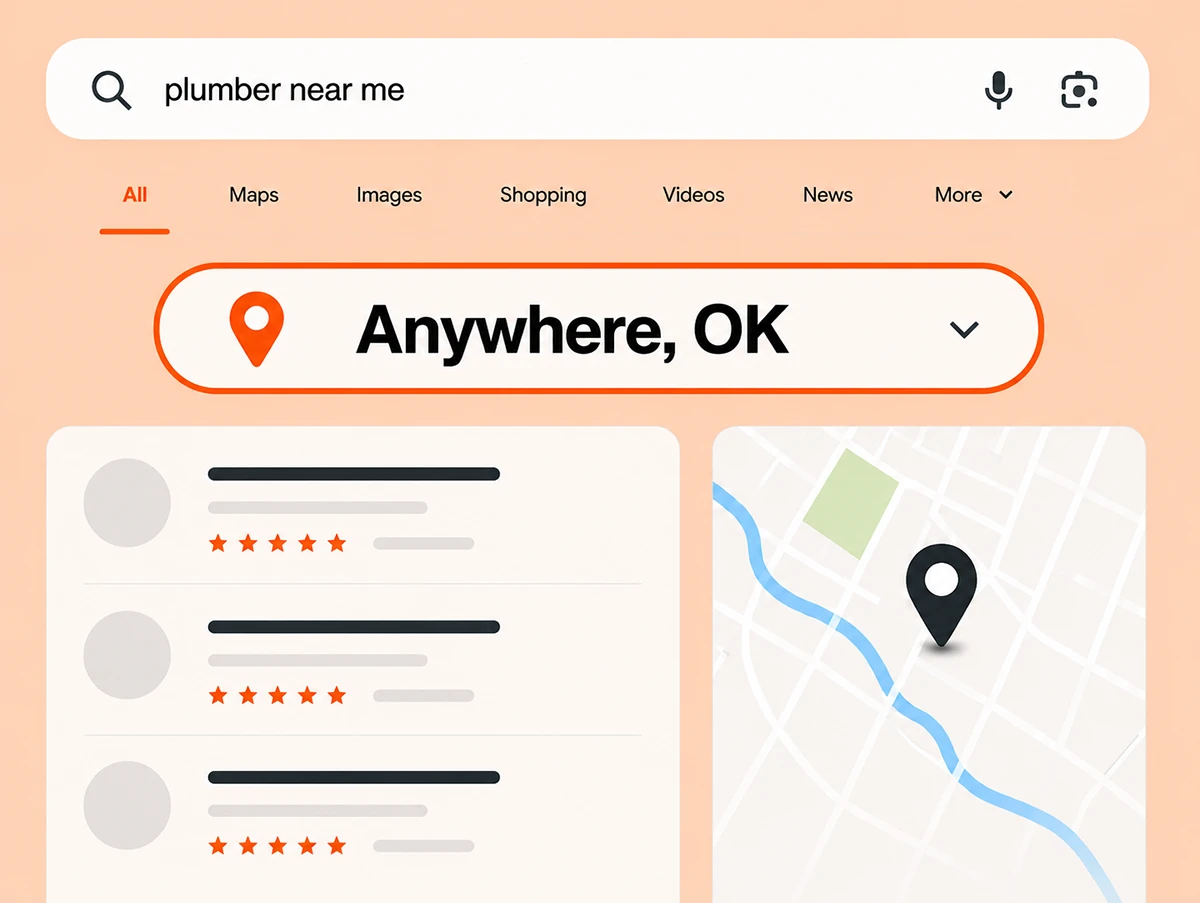

You want to change your location on Google to check local rankings.
Maybe you have a customer in Timbuktu and you want to see their rankings for “plumber near me” when searched from Timbuktu.
Maybe you run in-house SEO and you want to check your visibility in other areas.
Or maybe you want to see if your paid local rank trackers are actually working.
Are we on the same page? Then keep reading.
Let’s start with the bad advice first.
VPN’s typically only let you change your location on a Country level. Even when you can select individual cities, the options are limited.
Plus, a VPN just updates your IP address. That doesn’t always reliably change your search location.
Using a VPN to change where you’re searching from just doesn’t work very well.
Some say you can change your location within the Google settings. I tried that, and it didn’t work for me.
Neither did the suggestion to set my latitude / longitude using the “Show Sensors” feature within Google’s Developer Tools.
It’s possible these worked at one point but don’t anymore. It’s also possible they still work, and I just couldn’t figure it out.
But if it gave me issues, it may give you issues too. Plus, those options are quite tedious even if you can get them to work.
This one works well, but it’s a bit of a workaround.
Google Ads has a built in tool that lets you search Google from another location. It’s called “Ad preview and diagnosis”, and it can be found under Tools > Troubleshooting.
While this one works very well, it requires having an active Google Ads account and logging in every time. Plus, the tool is designed mainly for checking your own ads. Using the tool outside of its intended purpose may result in limitations.
Here’s the best way to change your Google location:
You can get Google to show you local results from any area by finessing the URL itself.
Google defines location with something called a UULE parameter. Basically, Google has a location encoding format that you can use to generate a custom string to add to the URL. It will look something like this:
&uule=w+CAQIICIdRGVdumLXENvbtyG…..
An additional parameter to include is “gl” which sets the country. It is also suggested to add pws=0 to reduce personalization.
This article by Multilogin does a good job explaining the full technical process.
Hopefully I didn’t lose you with the technobabble just before this.
There are tools that automatically generate these custom URLs for you.
One of these tools I built. It’s called SERP Location Changer, and I think it’s the best since it’s accurate, easy to use, and free with no usage limits.
3 more good ones that are also free/unlimited include valentin.app, this one by dev4m.com, and this one by Multilogin.
And here are 3 more to try:
However, some of the tools offered by big name SEO brands limit free usage.
So try those out, and pick your favorite one. Hopefully you decide you like mine (SERP Location Changer) best. If you don’t, let me know why and I’ll try to make it even better.
The best way to change your location on Google is to add a UULE parameter to the URL using one of the many free tools that can generate it automatically.
My top tool suggestion is the one that I built, called SERP Location Changer.
You can try them all, and find the one that works best for you.
